Icosahedron LED Lamp Challenge
The Problem & Concept
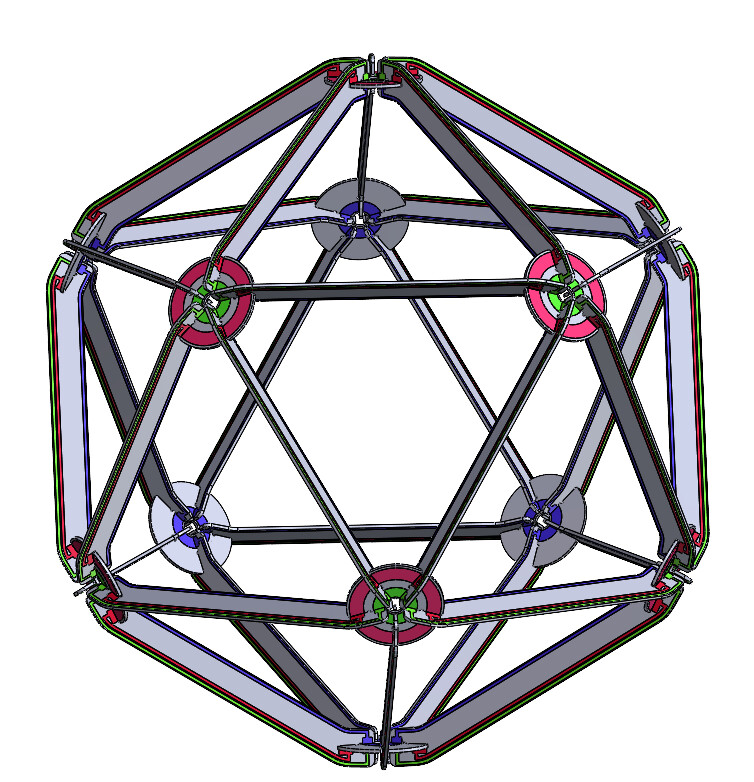
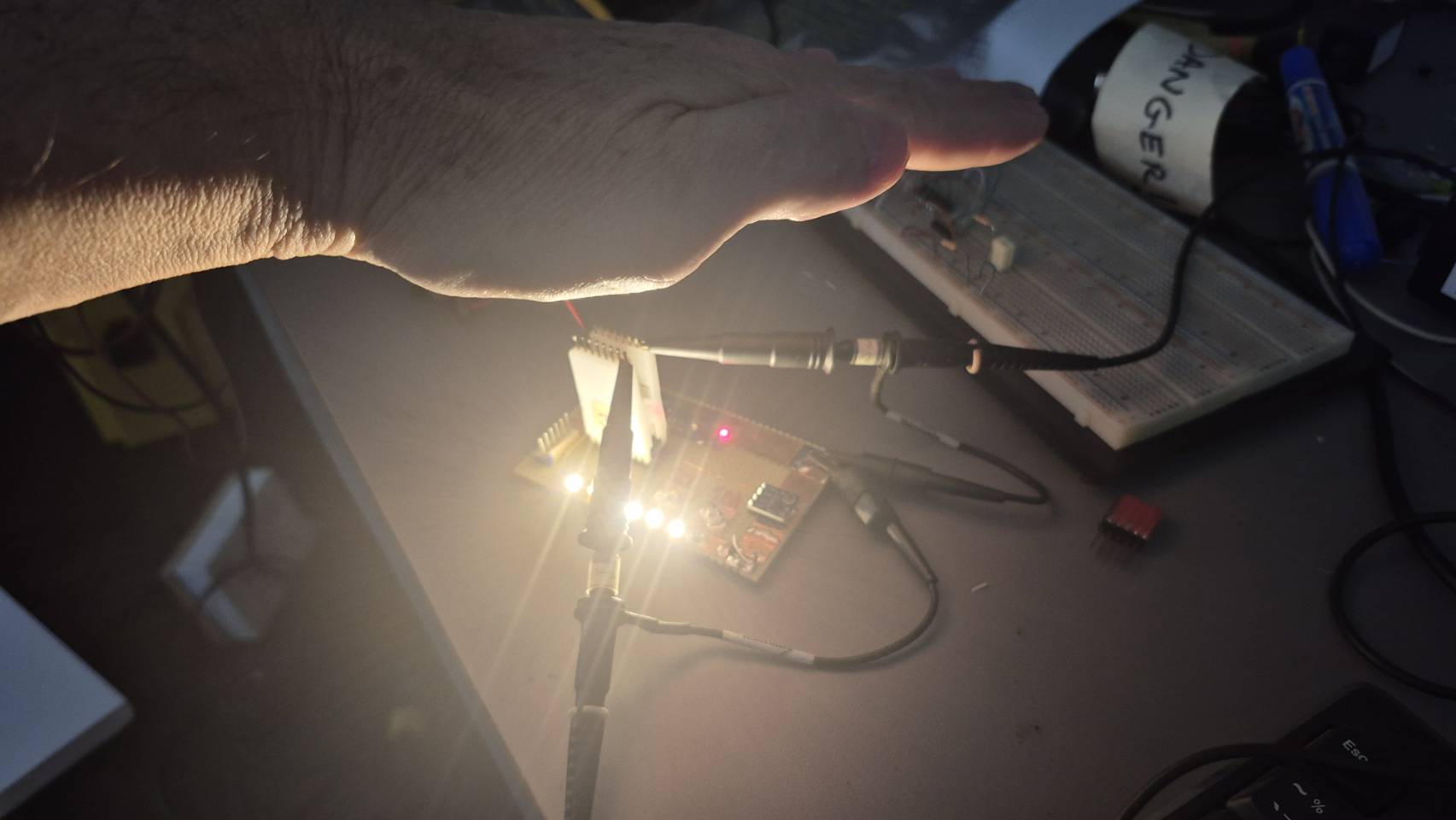
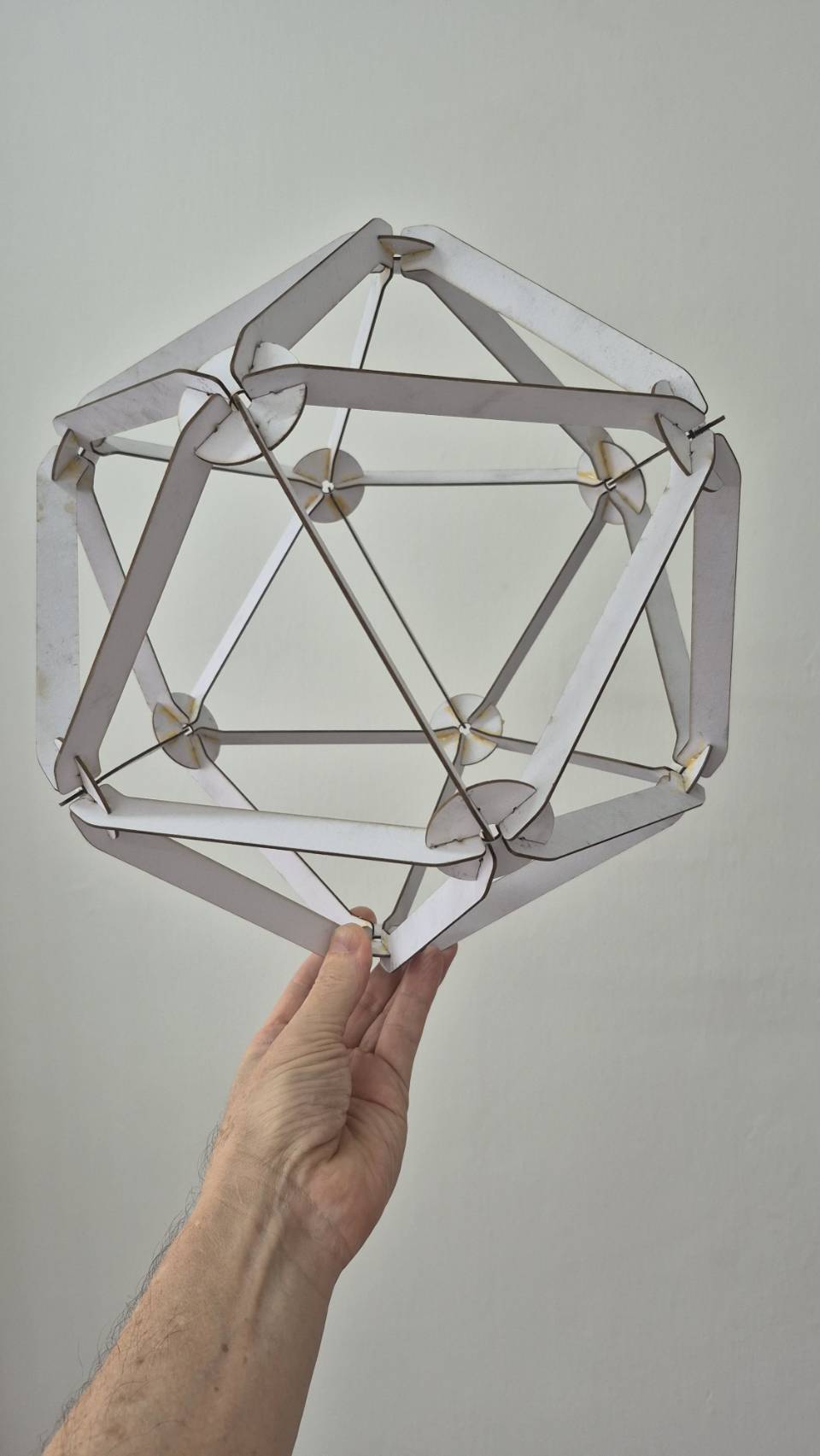
This module creates a flat-pack, self-assembly LED lamp kit that forms a strong, three-dimensional icosahedron. The use case is an elegant, user-assembled light fixture that requires only a 12V power wire and features a gesture-based dimming interface.
Leo's Rough Design
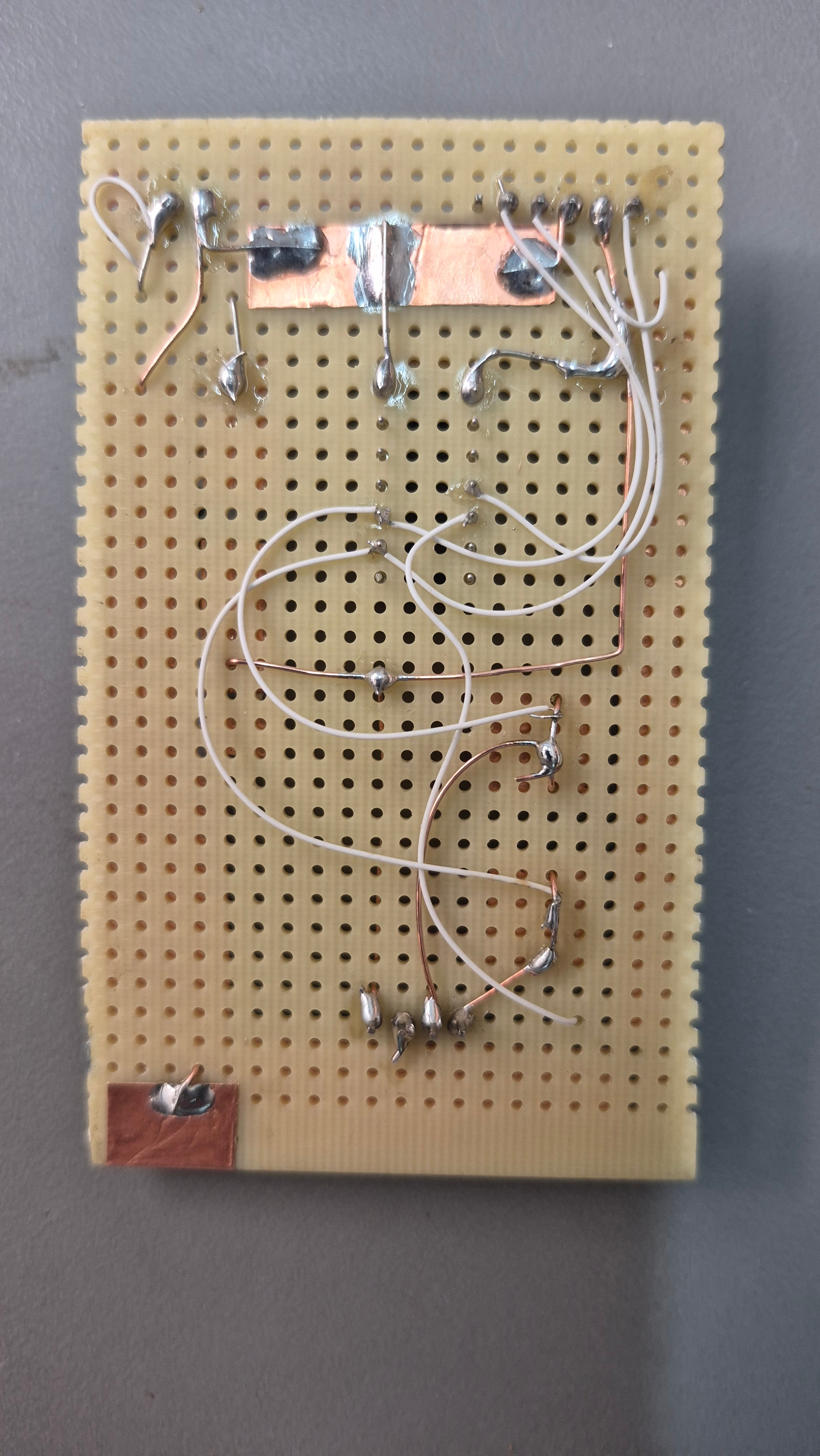
- Circuit Approach: Double-sided PCB spars and hubs form the structure. Three conductors are used throughout: 12V, Ground, and a common PWM signal for all LEDs.
- Key Components:
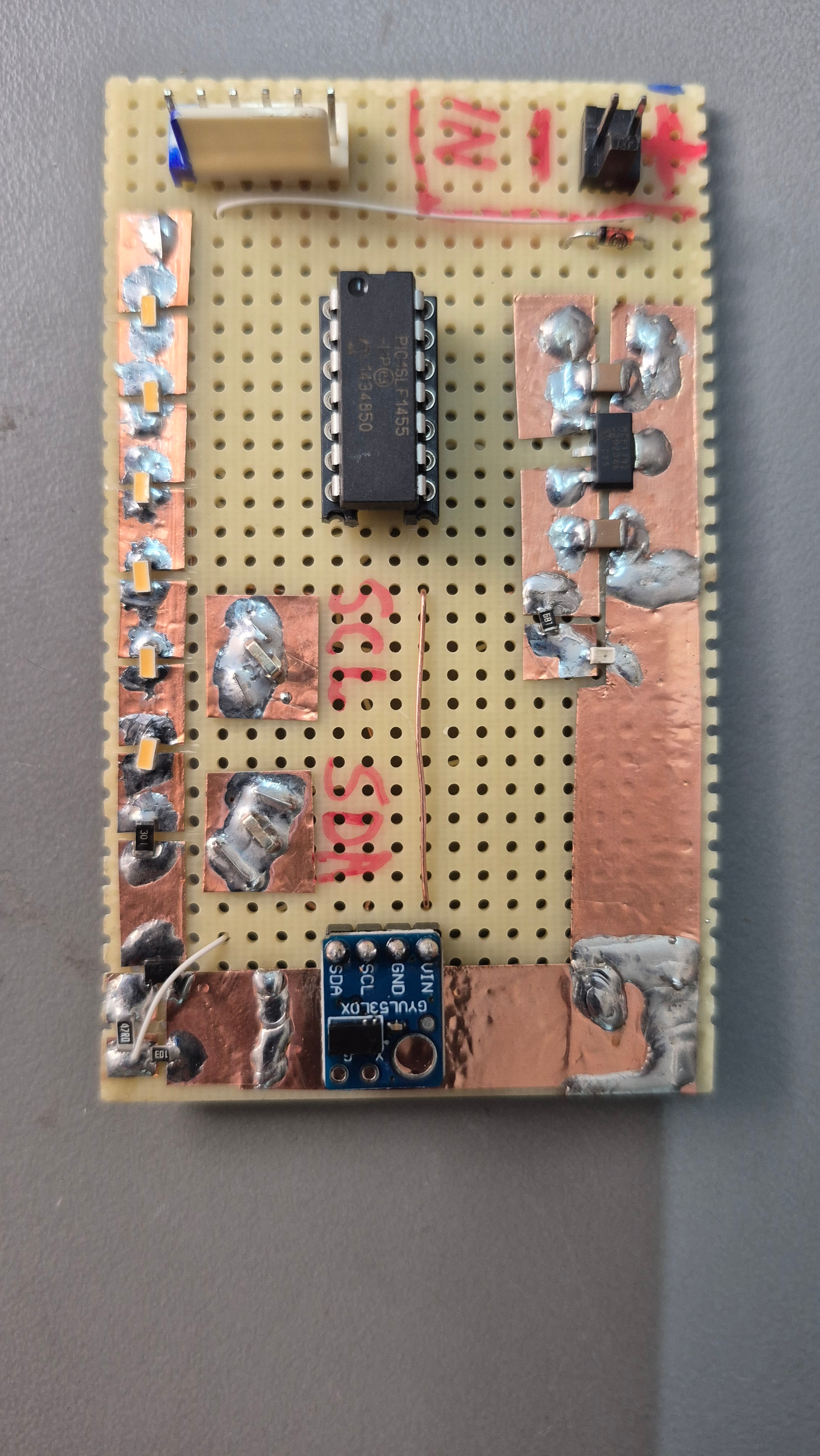
- LEDs: Warm white LEDs, 3.2V forward voltage. Three LEDs in series per stack, with two stacks per side of a spar (6 LEDs per side, 12 per spar).
- Power & Control: 12V design voltage. A single N-channel MOSFET on the "brain" hub controls the common PWM connection for all LED strings.
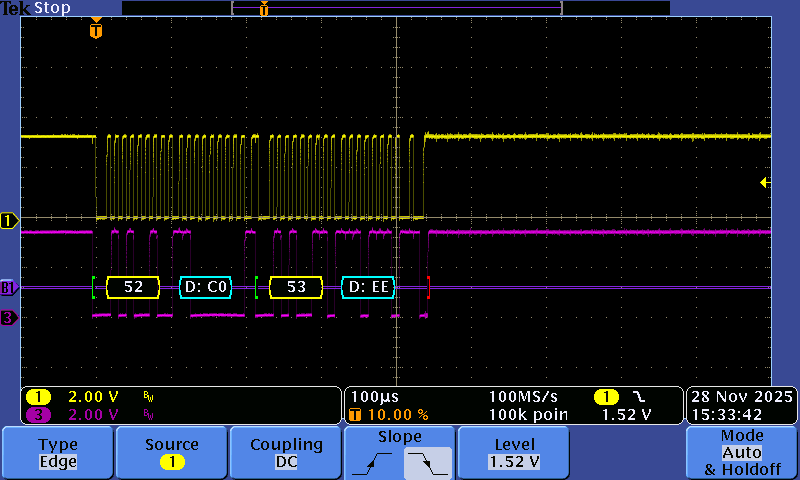
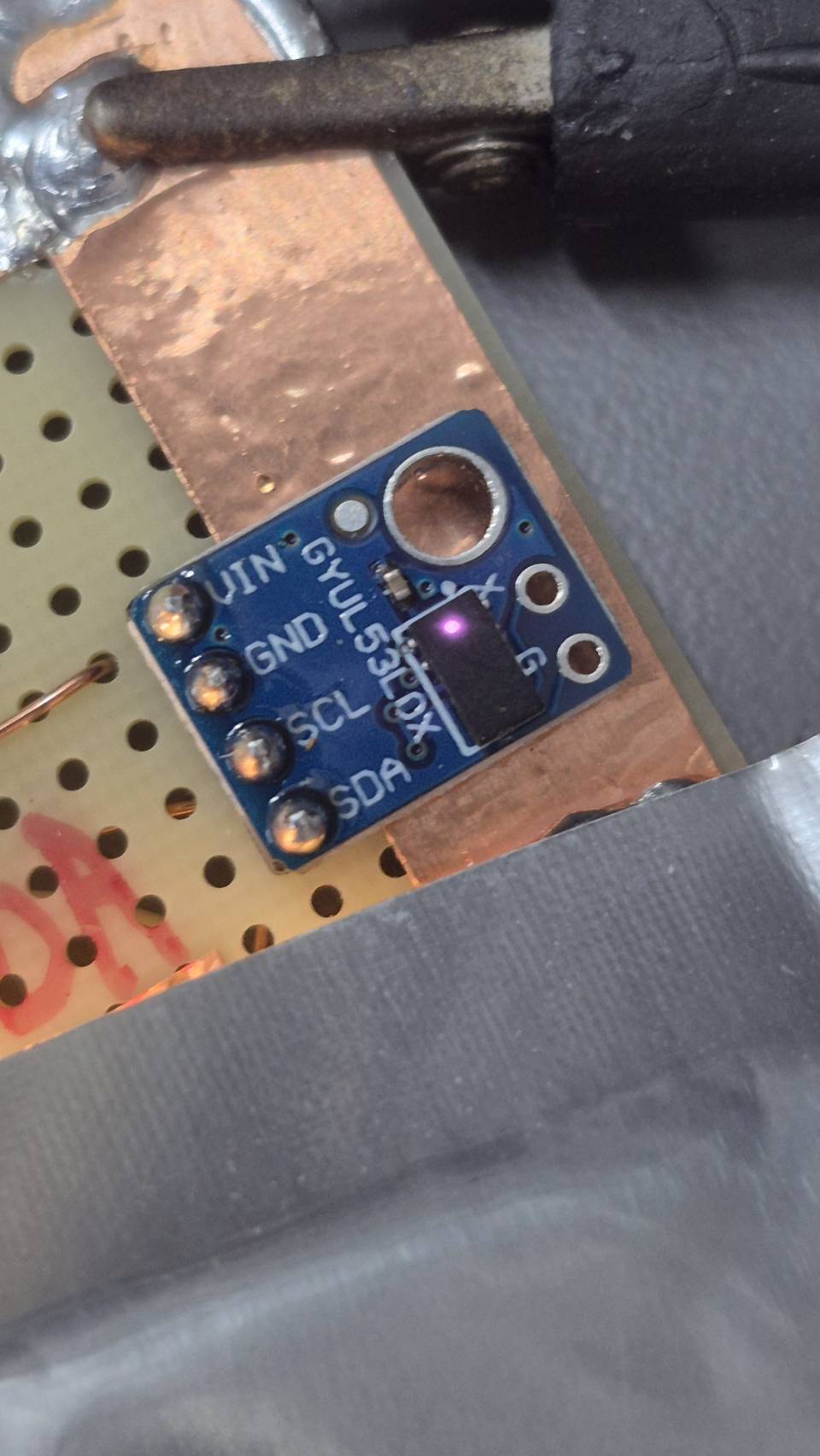
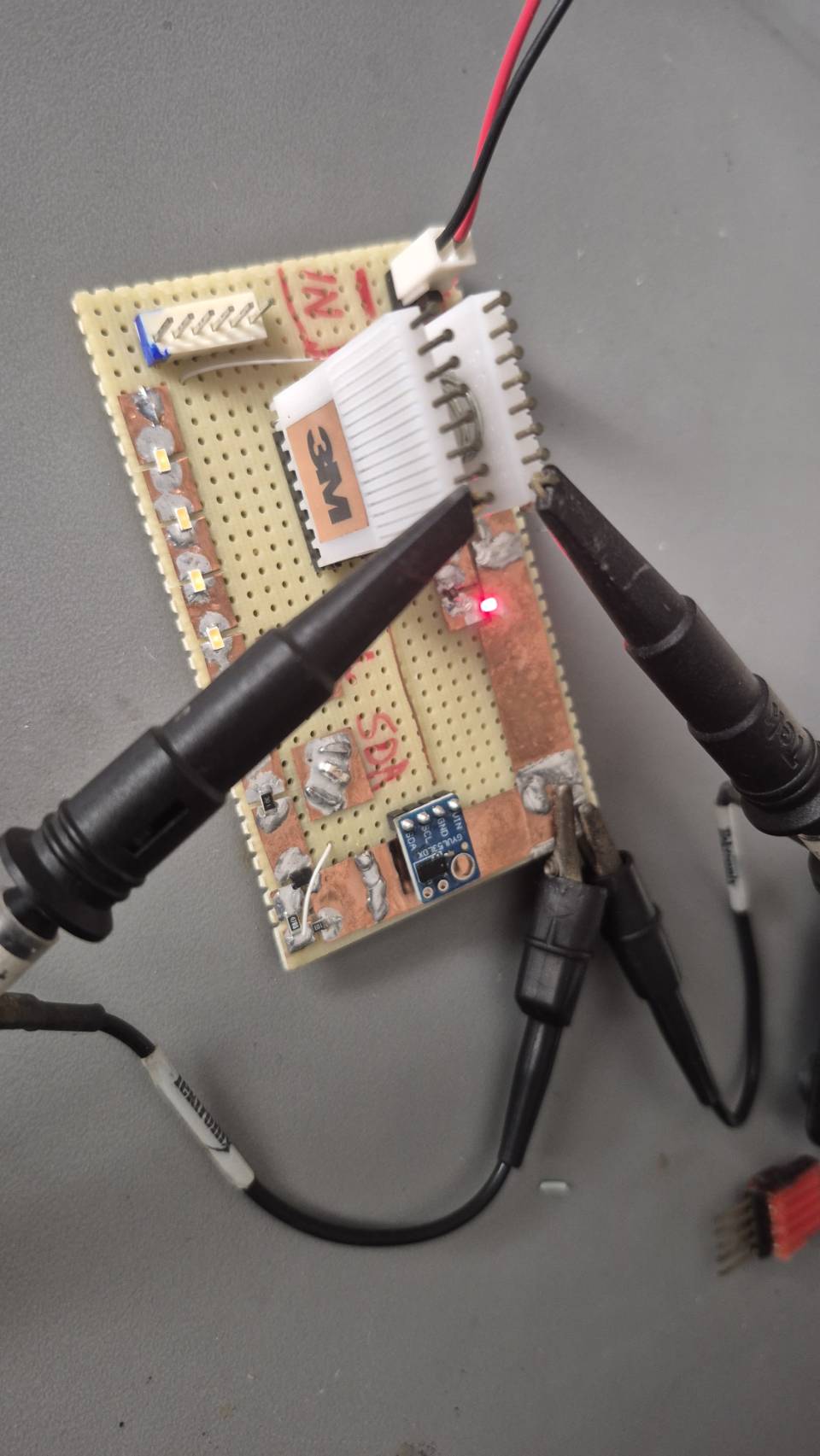
- MCU & Sensor: Microcontroller and a VL53L0X time-of-flight distance sensor on the "brain" hub for gesture control.
- Mechanical Design:
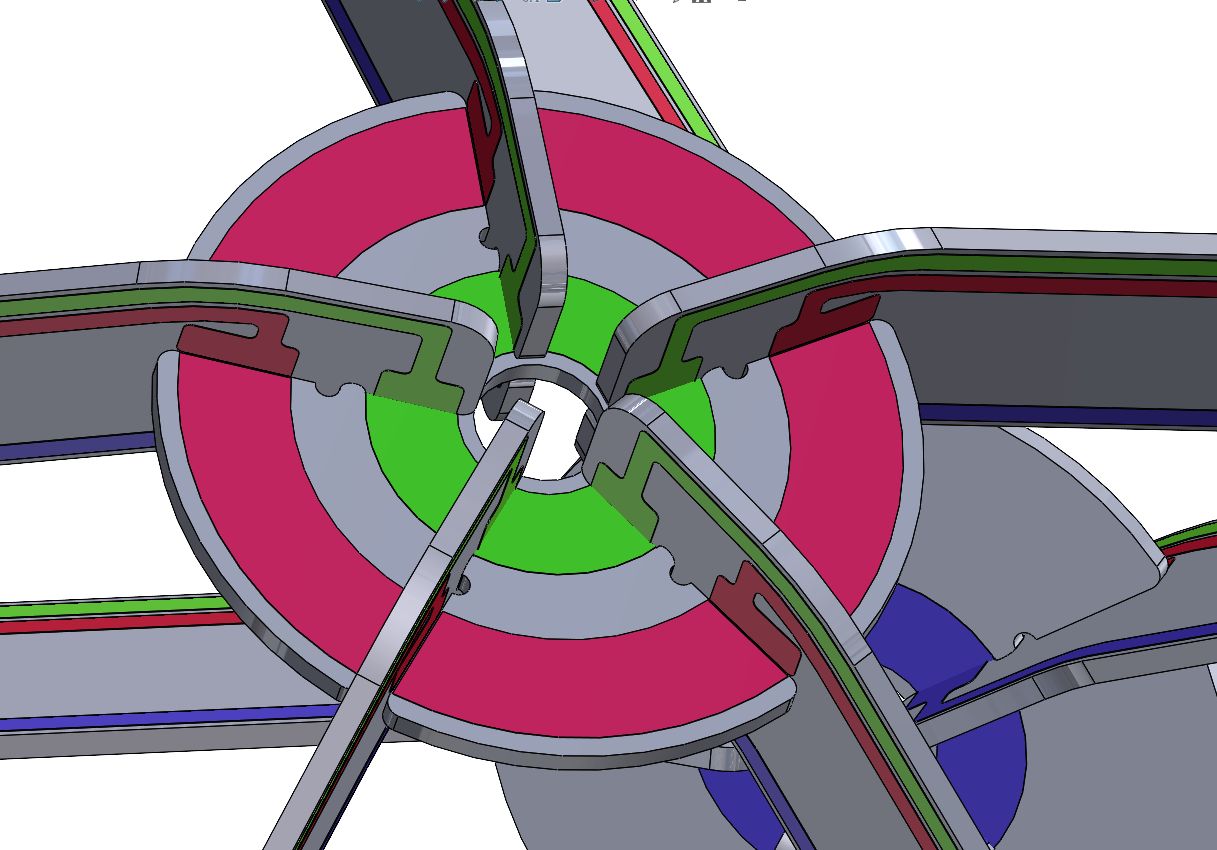
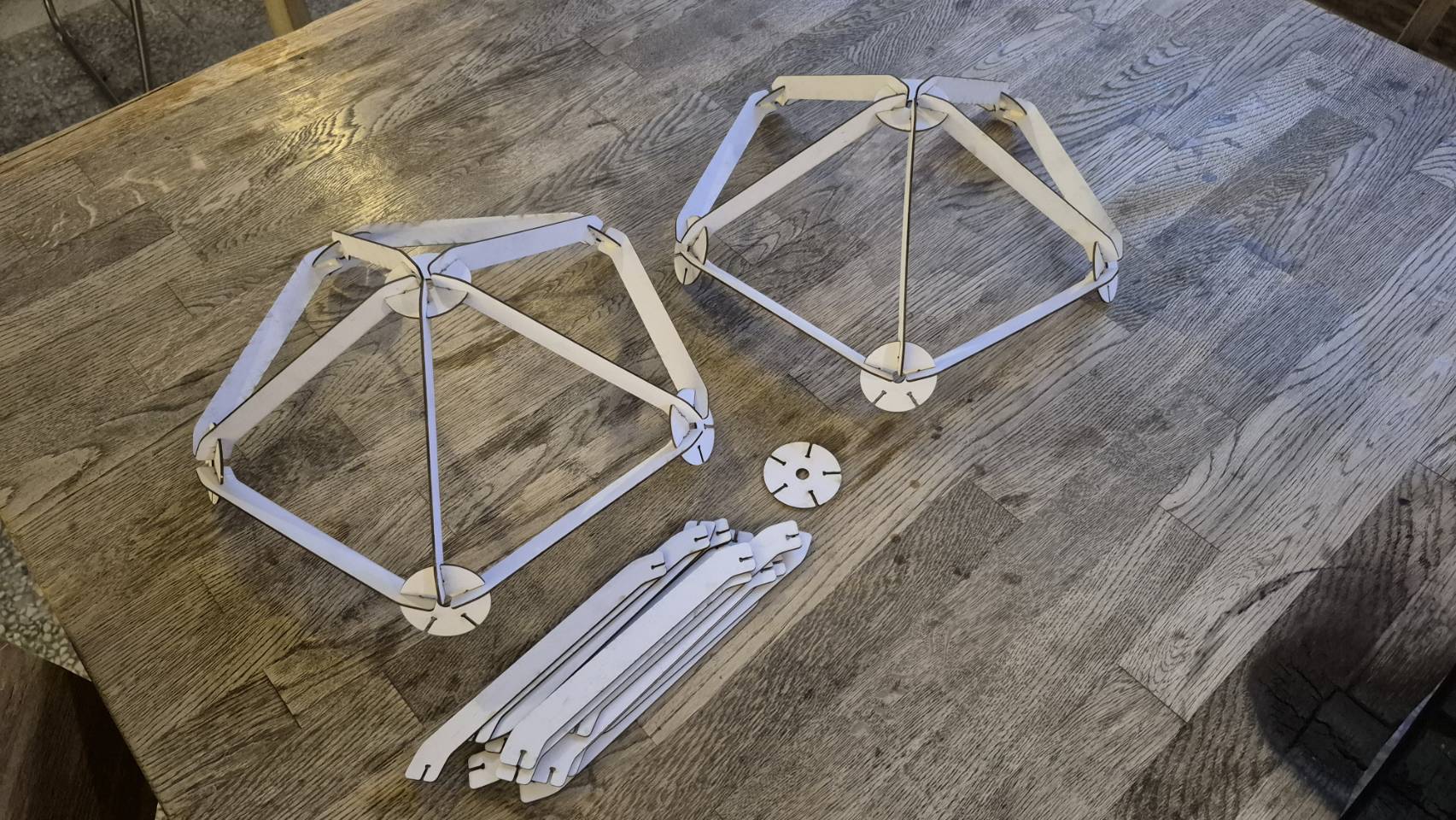
- The icosahedron is constructed from identical PCB spars and ten identical PCB hubs, plus two specialized hubs (top for power, bottom for the brain).
- Parts are designed to be router-cut from 1/16th inch PCB material, with slots modified for router-based PCB fabrication.
- Mechanical and electrical connections are made simultaneously by soldering fillets onto tinned lands/rings at the hub-spar junctions.
- Specifications:
- Total LEDs: 360 (30 spars * 12 LEDs each).
- Current per spar: 60mA.
- Total current: ~1.8A.
- Total power: ~21.6W.
Design Challenge #1: Gesture-Controlled, Flat-Pack PCB Lamp
- How feasible is the redundant 3-conductor electrical connection scheme, and what are the potential failure modes of relying on hand-soldered joints for both structure and connectivity?
- What improvements could be made to the spar and hub mechanical design to ensure robust assembly and alignment for a first-time user with only a soldering iron?
- How reliable is the VL53L0X sensor for this gesture interface, and what are the weak points (e.g., ambient light interference, multiple sensor crosstalk) that need to be mitigated in the final design?
- Is the proposed power distribution (carrying ~1.8A total through soldered PCB traces and joints) robust enough, or are there potential bottlenecks for voltage drop or heating?
- What user experience challenges might arise during the assembly process, and how can the design be modified to make it more intuitive and mistake-proof?
- What key elements are missing from the initial concept, such as thermal management for the LEDs, strain relief for the power cable, or a programming/debugging interface for the MCU?
- How could the Gesture Input concept be improved?